How to ship internationally without dealing with customs manually
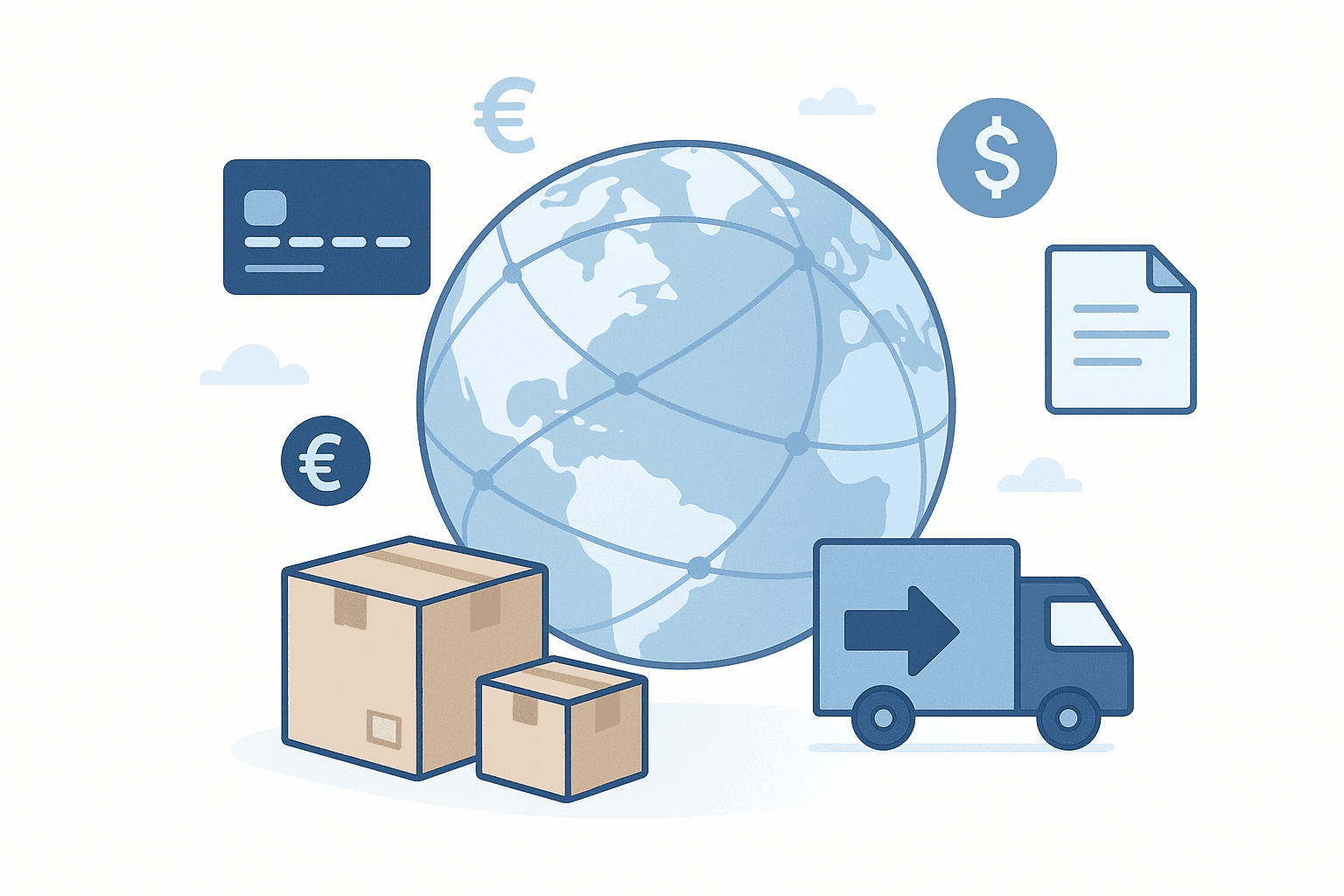
Implement a cross‑border automation workflow that classifies products with HS codes, calculates destination duties and taxes in real time, and displays full landed cost at checkout. Use DDP to prepay import charges, submit electronic customs data, and generate compliant invoices and labels. Sync orders with carrier and brokerage APIs, reconcile payments, and retain audit trails for tax compliance. This provides price transparency, prevents delivery holds over unpaid taxes, and eliminates manual customs handling.

Explanation / Context

Cross-border shipping traditionally requires manual customs declarations, carrier coordination, and post-delivery tax collection. These steps create friction and unpredictability.

Modern shipping automation platforms centralize these processes into a single workflow.

How It Works

  1. Capture destination address at checkout

  2. Classify products and calculate duties and taxes

  3. Display full landed cost before payment

  4. Ship orders using DDP shipping

  5. Track delivery and handle exceptions centrally

Real-World Examples

A fashion brand ships from India to the UAE and EU using DDP. Customers see full landed cost at checkout and receive orders within 2–3 days.

Common Mistakes

  • Using DDU shipping

  • Estimating taxes instead of calculating them

  • Relying on postal services for premium delivery

Why This Matters for DTC Brands

Automated shipping reduces cart abandonment, minimizes delivery delays, and improves customer trust.

How SellAbroad Solves This

SellAbroad automates international shipping by calculating duties and taxes upfront, supporting DDP shipping, and integrating with regional fulfillment and carrier networks. Brands use SellAbroad to offer fast, predictable international delivery without managing customs manually.

Explanation / Context

Cross-border shipping traditionally requires manual customs declarations, carrier coordination, and post-delivery tax collection. These steps create friction and unpredictability.

Modern shipping automation platforms centralize these processes into a single workflow.

How It Works

  1. Capture destination address at checkout

  2. Classify products and calculate duties and taxes

  3. Display full landed cost before payment

  4. Ship orders using DDP shipping

  5. Track delivery and handle exceptions centrally

Real-World Examples

A fashion brand ships from India to the UAE and EU using DDP. Customers see full landed cost at checkout and receive orders within 2–3 days.

Common Mistakes

  • Using DDU shipping

  • Estimating taxes instead of calculating them

  • Relying on postal services for premium delivery

Why This Matters for DTC Brands

Automated shipping reduces cart abandonment, minimizes delivery delays, and improves customer trust.

How SellAbroad Solves This

SellAbroad automates international shipping by calculating duties and taxes upfront, supporting DDP shipping, and integrating with regional fulfillment and carrier networks. Brands use SellAbroad to offer fast, predictable international delivery without managing customs manually.

FAQ

### How do I show landed cost at checkout for international orders?

Calculate destination duties, taxes, and fees from HS classification and product value, then display an all‑inclusive total in the shopper’s currency before payment. Use DDP to prepay import charges, and ensure rates update by destination, thresholds, and exemptions.

### Does DDP keep me compliant with VAT/GST obligations?

DDP prepayment supports compliance, but you may still need registrations (e.g., VAT, GST, IOSS/VOEC), correct tax invoicing, and periodic remittances. Maintain audit trails, reconcile collected amounts, and map tax IDs to shipments.

### What data do carriers and customs need for automated clearance?

Provide HS codes, accurate descriptions, item values and currency, country of origin, quantities, weights, Incoterms (DDP), shipper/recipient details, and tax identifiers where required. Submit data electronically and include commercial invoices.

### How do I prove duties and taxes were prepaid to prevent carrier collection?

Transmit DDP terms and paid amounts via electronic customs data, print them on commercial invoices and labels, and keep payment references. Carriers read these fields to avoid billing recipients.
